1. Go To: Litix Academy User Sign In
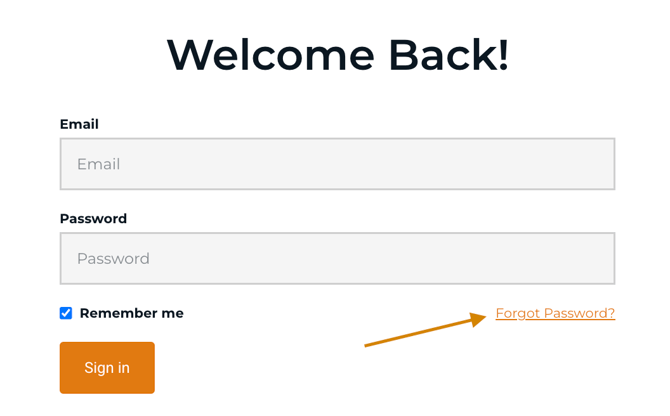
2. Click on the "Forgot Password?" link
3. Reset your Password (and update your password manager if prompted)
4. If these steps do not work, contact support@litix.ai for further assistance.
*Please check your inbox spam folder if you do not see the Password Reset instructions.
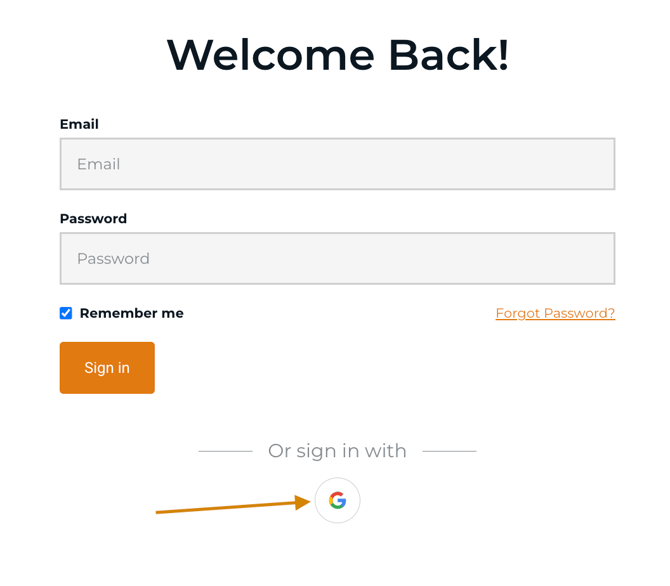
3. If your district uses Gmail, sign in using your school account by selecting the Google icon shown below: